SOC automation is software that runs the repetitive steps between a security alert and a decision. It gathers context, checks evidence, contains threats, and writes up the case. Most security teams already automate part of that work. The SANS 2025 Detection and Response Survey found that 66% of organizations use at least some automated response, and 13% run response fully automated. False positives remain the top detection challenge, cited by 73% of respondents.
This guide explains how SOC automation works, walks through seven real-world workflows, and shows where analysts stay in control. The animated explainer below follows one phishing alert from manual triage to agentic investigation in under two minutes.
The animation could not load here. The transcript below covers the same material.
An animated explainer of SOC automation, from manual triage to agentic investigation. Captions appear here as it plays.
Read the transcript
One alert. SOC automation handles the repetitive work between an alert and a decision. It starts with one alert. Here, a user reports an email asking them to update their payroll details.
Worked by hand. Worked by hand, an analyst checks each tool one console at a time. Email gateway, URL reputation, identity provider, EDR. Then the ticket and the write-up. Meanwhile, more alerts arrive. In a 2025 SANS survey, 73% of teams named false positives their top detection challenge.
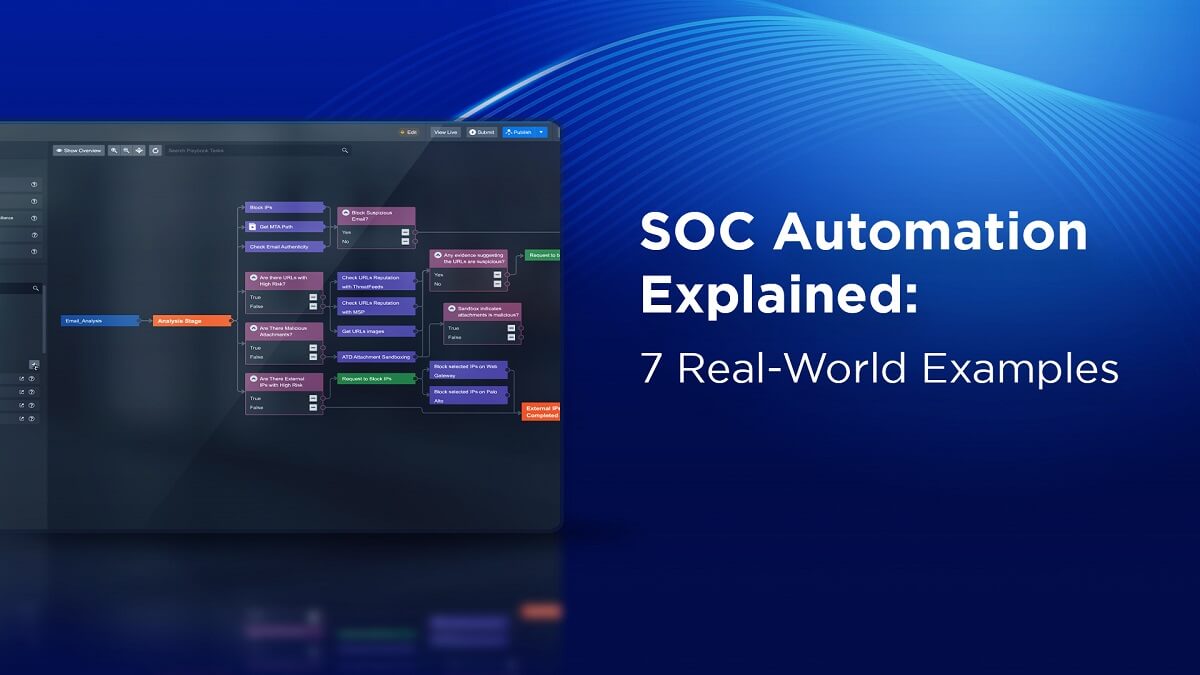
The SOAR playbook. SOAR turned those manual steps into a playbook: a fixed flowchart that runs the same way every time. Playbooks are fast and predictable. They follow the paths their authors wrote down. When the evidence leads somewhere new, no rule matches, and the playbook hands the alert back to an analyst.
Agentic investigation. An agentic SOC adds reasoning inside the playbook. The AI picks each next query based on what the last one found. Here it traces the email to three more inboxes, a clicked link, and a sign-in from a new location. Then it finds a mail forwarding rule, added minutes after that sign-in.
Graded evidence. Every finding carries an evidence grade, so the analyst can see how solid it is. Confirmed means the telemetry is attached. Inferred means the reasoning is shown. Gap means it looked and found nothing.
Four autonomy modes. Response actions change your environment, so your team decides where people approve them. Four autonomy modes set that line. Deterministic playbooks run with no AI in the chain. In AI-Assisted mode, the analyst approves every action. In AI-Led mode, the analyst approves the plan, and the engine executes it. Autonomous mode runs end to end, with approval gates set for each risk tier.
The analyst’s call. Every step lands on one audit trail per incident, ready for the analyst to review. Organizations that use security AI and automation extensively cut their breach lifecycle by 80 days on average, IBM found. Automation runs the steps. Analysts make the calls.
Sources: SANS 2025 Detection and Response Survey and IBM Cost of a Data Breach Report 2025. The phishing scenario is illustrative.
What Is SOC Automation?
SOC automation uses software to run security operations tasks that analysts would otherwise do by hand. It covers the full alert lifecycle: ingesting and deduplicating alerts, enriching them with context, investigating, reaching a verdict, responding, and documenting the case.
Gartner defines a security operations center as “a team, often operating in shifts around the clock, and a facility dedicated to and organized to prevent, detect, assess and respond to cybersecurity threats and incidents, and to fulfill and assess regulatory compliance.” Automation supports each of those functions. The analyst still owns the judgment calls.
Why Do SOCs Automate?
Most SOCs are small. The SANS 2025 SOC Survey found that the most common size for a fully staffed SOC is 2 to 10 people. In the same survey, 62% of respondents said their organization isn’t doing enough to retain top talent. A team that size can’t hand-work every alert from the SIEM, EDR, email gateway, identity provider, and cloud platforms.
Automation also shows up in breach outcomes. In IBM’s Cost of a Data Breach Report 2025, organizations that used security AI and automation extensively saved an average of $1.9 million in breach costs. They also shortened the breach lifecycle by 80 days on average.
How Has SOC Automation Changed?
SOC automation has moved through three stages, and many teams run all three side by side:
- Scripts and SIEM rules. Analysts wrote scripts and correlation rules for single tasks, such as enriching an IP address or suppressing a known false positive.
- SOAR playbooks. Security orchestration, automation, and response (SOAR) platforms chained those tasks into playbooks. A playbook is a fixed workflow that runs the same way every time. It is fast and easy to audit, and it hands the alert back to an analyst when the evidence leads somewhere its authors didn’t plan for.
- Agentic SOC. An agentic SOC adds AI reasoning inside the workflow. The AI picks each next investigative step from what the last one found, within limits the team sets. It hands the analyst a verdict with the evidence attached.
7 Real-World SOC Automation Examples
The workflows below are common starting points because each is high-volume and easy to measure. For each one, you’ll see what the playbook handles, what agentic investigation adds, and where the analyst decides.
| Workflow | Trigger | What automation handles | Where the analyst decides |
|---|---|---|---|
| Alert triage | SIEM, EDR, or XDR alert | Deduplication, grouping, enrichment, L2-depth investigation, verdict | Escalated incidents and spot checks of closed alerts |
| Phishing response | User report or email security alert | Sender, URL, and attachment analysis, mailbox-wide search, quarantine | Unclear verdicts and actions on executive mailboxes |
| Identity attacks | Risky sign-in, MFA fatigue, impossible travel | Sign-in correlation, session review, password reset, session revocation | Account disables and actions on privileged users |
| Vulnerability triage | Scanner findings or a new CVE | Asset matching, exploitation checks, chainability and reachability analysis, ticketing | Patch windows and accepted risk |
| Threat hunting | New intelligence or a hunt hypothesis | Scheduled IOC sweeps, query execution, lead-following | The hypothesis and what counts as a finding |
| Incident reporting | Case opened or closed | Timeline, evidence, actions, and approvals captured as work happens | Final review and regulator-facing wording |
| MSSP onboarding | New client contract | Tenant creation, client data sync, playbook and integration setup | Autonomy level and escalation rules per client |
1. Alert Triage
Alert triage decides which alerts are real threats. A triage playbook normalizes incoming alerts from the SIEM and EDR, removes duplicates, and groups related alerts into one incident. It enriches each incident with asset, user, and threat intelligence context.
Agentic triage then takes the steps an L2 analyst would take. It queries surrounding telemetry, checks whether the behavior fits the user and host, and returns a verdict with the evidence attached. Morpheus triages up to 95% of alerts at L2+ depth in under 2 minutes. Analysts work the escalated incidents and spot-check closed ones. See how this runs for SIEM alert triage and XDR alert triage.
2. Phishing Investigation and Response
Users and email security tools report suspicious messages all day. A phishing playbook extracts the sender, links, and attachments and checks them against threat intelligence. It detonates suspicious files in a sandbox and quarantines confirmed malicious messages from every mailbox that received them.
Investigation decides how far the attack went. An agentic workflow searches other inboxes for the same message, checks proxy logs for clicks, and reviews the recipients’ sign-ins. It also looks for mailbox rules added after a click, a common sign of account takeover. The explainer above follows this case. For the playbook steps in detail, see D3’s breakdown of three phishing response playbooks.
3. Credential Compromise and Identity Attacks
Identity attacks include password spraying, MFA fatigue, session token theft, and impossible-travel sign-ins. Automation correlates identity provider logs with EDR and email data to confirm whether an account is compromised.
Response actions include resetting the password, revoking active sessions, disabling the account, and blocking source IP addresses. They also cover persistence the attacker left behind, such as forwarding rules or newly registered MFA devices. These actions change production accounts, so many teams start with analyst approval on each one and widen autonomy as trust builds. Morpheus for Microsoft covers Microsoft Entra ID, Microsoft 365 Defender, and Microsoft Sentinel.
4. Vulnerability Triage and Remediation
Scanners produce more findings than teams can patch. Automation pulls scanner results and matches each finding to its asset owner and business criticality. It checks for known exploitation against sources such as the CISA Known Exploited Vulnerabilities catalog, then opens tickets for the fixes that matter first.
Agentic analysis adds environment context. Morpheus vulnerability triage checks whether separate findings chain into a critical exploit path. It weighs reachability, asset criticality, and blast radius, then recommends a remediation order.
5. Threat Hunting
Threat hunting looks for attackers that detections missed. Automation schedules hunts and sweeps the environment for new indicators of compromise (IOCs) from threat intelligence feeds. It reruns saved queries when a new advisory lands. In the SANS 2025 SOC Survey, the most common answer (48%) described hunting as partially automated with vendor-provided tools.
Hypothesis-driven hunts gain the most from agentic reasoning. An analyst states the hypothesis, such as “an attacker is using scheduled tasks for persistence” (T1053 in MITRE ATT&CK). The AI runs the queries, follows leads across data sources, and reports what it confirmed and what it couldn’t check.
6. Incident Reporting and Case Documentation
Every incident needs a record of what happened, what the team found, what it did, and who approved each action. Automation builds that record as the work happens. It captures a summary, a timeline, the evidence behind each finding, and every action taken.
Regulators now set tight reporting clocks. Under the EU’s NIS2 Directive, essential and important entities must send an early warning within 24 hours of becoming aware of a significant incident. A fuller incident notification follows within 72 hours. A case record built during the investigation lets the team report on time without rebuilding the timeline by hand. See how Morpheus supports NIS2 and DORA reporting.
7. MSSP Client Onboarding and Multi-Tenant Operations
Managed security service providers (MSSPs) run the same workflows for many clients. Automation creates each new tenant, syncs client details from the ticketing system, and pushes standard playbooks, integrations, and escalation rules. D3 has shown how automated client onboarding cuts setup from weeks to hours, or even minutes.
After onboarding, each client may need a different autonomy level, approval chain, or data boundary. Morpheus for MSSPs runs every tenant on one platform and sets the autonomy mode per client.
Where Should Analysts Stay in the Loop?
Automation takes on the volume. Four kinds of work still need an analyst:
- Novel attacks. New techniques and unfamiliar environments need an analyst to confirm what the evidence means.
- High-impact actions. Isolating a production server or disabling an executive’s account affects the business, so these actions usually sit behind an approval gate.
- Business context. An analyst knows about the merger, the red team exercise, and the contractor who always signs in from overseas.
- Tuning. Analysts correct wrong verdicts and refine rules, which improves future verdicts.
How Morpheus Automates the SOC
Morpheus is the agentic SOC platform that triages, investigates, and orchestrates governed response on every alert. Deterministic playbooks and agentic reasoning run on one engine, with one audit trail per incident.
Playbooks With Bounded AI Inside
An Agentic Task is bounded AI reasoning that runs inside a deterministic playbook node. The playbook hands off to the task, and the AI chooses its tools and queries within an iteration cap, a cost cap, and an approved tool scope. Then the playbook resumes. State-changing actions above a set risk tier still need human sign-off.
Investigation Across the Stack
Attack Path Discovery (APD), D3’s investigation engine, traces every alert across identities, endpoints, cloud, and email infrastructure. It maps blast radius, validates IOCs, and drafts remediation before an analyst opens the case.
Every finding is graded by evidence quality. Confirmed means the source telemetry is attached. Inferred means the reasoning is shown and the evidence is circumstantial. Gap means Morpheus looked, found nothing, and says so. When Morpheus can’t confirm a finding, it hands the alert to an analyst.
Autonomy You Set Per Use Case
You pick how much Morpheus does on its own. The four autonomy modes are settings on one engine, chosen per use case and changed by configuration:
- Deterministic. Rule-based playbooks run end to end. No AI in the chain.
- AI-Assisted. Morpheus investigates and recommends. Your analyst approves every step.
- AI-Led. Morpheus investigates and drafts the response. You sign off, and the response runs.
- Autonomous. Investigation and response run at AI speed, with gates set at design time. You can roll back any action.
Morpheus connects to your stack through 800+ self-healing integrations. When a vendor changes its API, the integration detects the drift and generates corrected code.
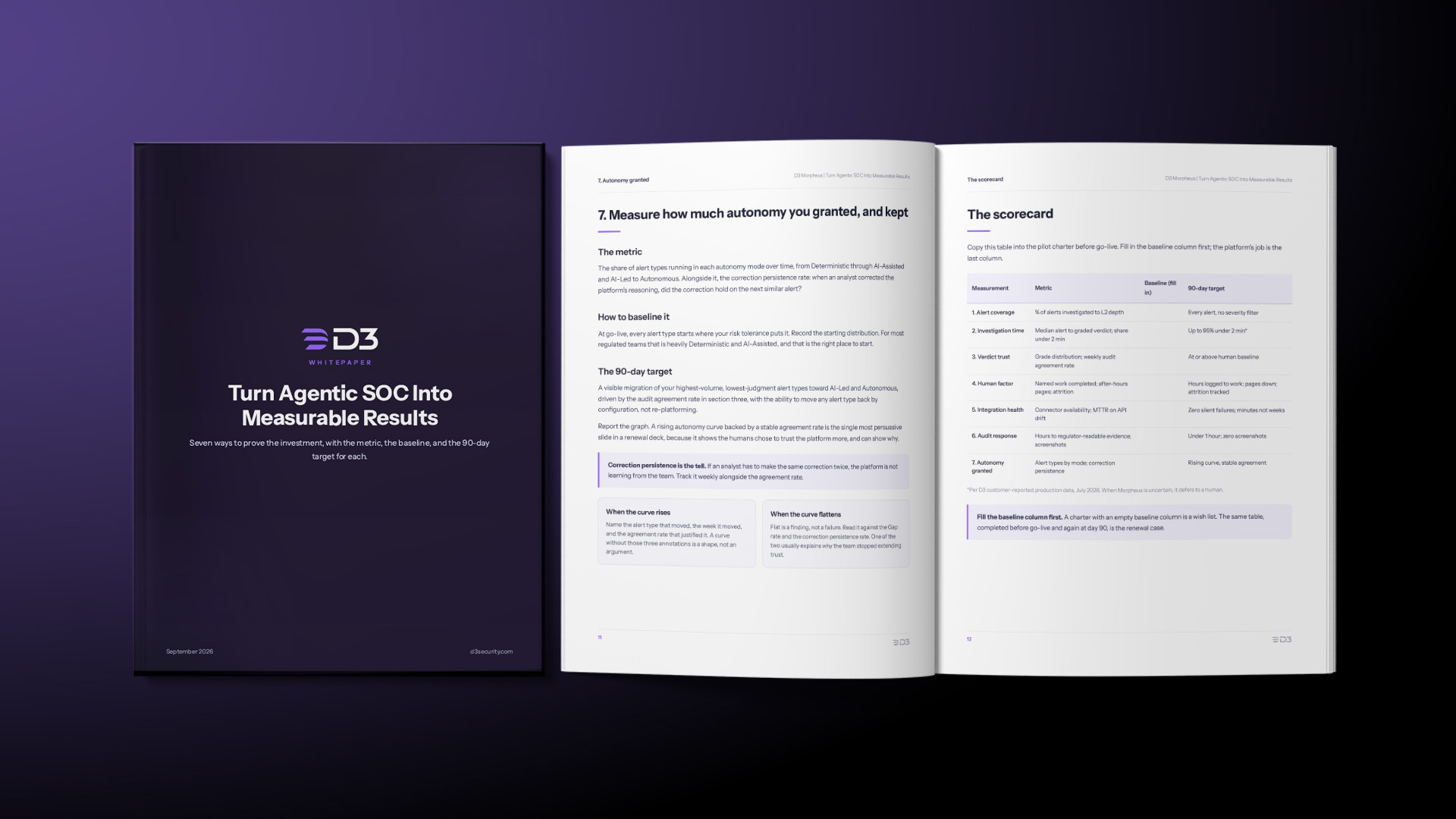
To measure what an agentic SOC changes in your own operation, read Turn Agentic SOC Into Measurable Results. It covers seven measurements, each with a baseline method and a 90-day target.
SOC Automation Resources
Research and guides:
- Turn Agentic SOC Into Measurable Results
- The Agentic SOC That Refuses to Guess: A Large US-Based MSSP Tried to Break APD 2.0 and Couldn’t
- How to Catch an AI SOC Analyst Bluffing
Blogs:
- What Are MITRE ATT&CK and MITRE D3FEND?
- The Agentic SOC That Refuses to Guess
- What’s an Autonomous SOC?